Social Media Apps Parents Should Know About Right Now
Kids move fast across apps, and trends shift weekly. You do not need to chase every meme to keep them safe. Focus on the biggest platforms, learn what they do, and use the controls that already exist. The goal is simple: reduce strangers, limit oversharing, and keep algorithm pressure in check while leaving room for healthy connection and fun.
Quick view: major apps, risks, and built‑in controls
| App | What kids use it for | Key risks | Built-in controls to know |
|---|---|---|---|
| TikTok | Short videos, trends, music | Algorithm rabbit holes, unwanted DMs, public posts | Family Pairing, Restricted Mode, private account, DM limits, screen time tools |
| Photos, Reels, group chats | Public exposure, DMs from strangers, body image pressure | Supervision tools, private account by default for teens, limit DMs, hidden words filters | |
| Snapchat | Ephemeral chats, Stories, Snap Map | Disappearing content, location sharing, streak pressure | Ghost Mode, friends-only contact, in-app reporting, parental controls |
| YouTube | Videos, how-tos, gaming, music | Recommendation loops, mature content, comments | YouTube Kids, Supervised Accounts, Restricted Mode, disable autoplay |
| Discord | Group servers, voice chat, gaming | Open servers with adults, spam, NSFW channels | Friend request settings, direct message filters, server‑by‑server content controls |
| Roblox | User-created games, chat | In-game chat with strangers, scams, spending | Account PIN, chat filters, age verification, spend limits, private servers |
| Group chats, calls | Large group invites, forwarded rumors, unknown contacts | Only contacts can add to groups, last seen/privacy controls, two-step verification |
TikTok: short videos, big reach
TikTok remains the most attention-grabbing app for teens. The feed adapts fast, which keeps kids watching. Set the account to private, turn off suggestions to others, and restrict who can duet or stitch. Family Pairing lets you link your account to your child’s to manage screen time, search, and DMs. Consider turning off personalized ads and muting notifications at night. Check the watch history and liked videos together. A five-minute review gives you a clear picture of trends and tone. Visit the safety resources at tiktok.com.
Instagram: photos, Reels, and DMs
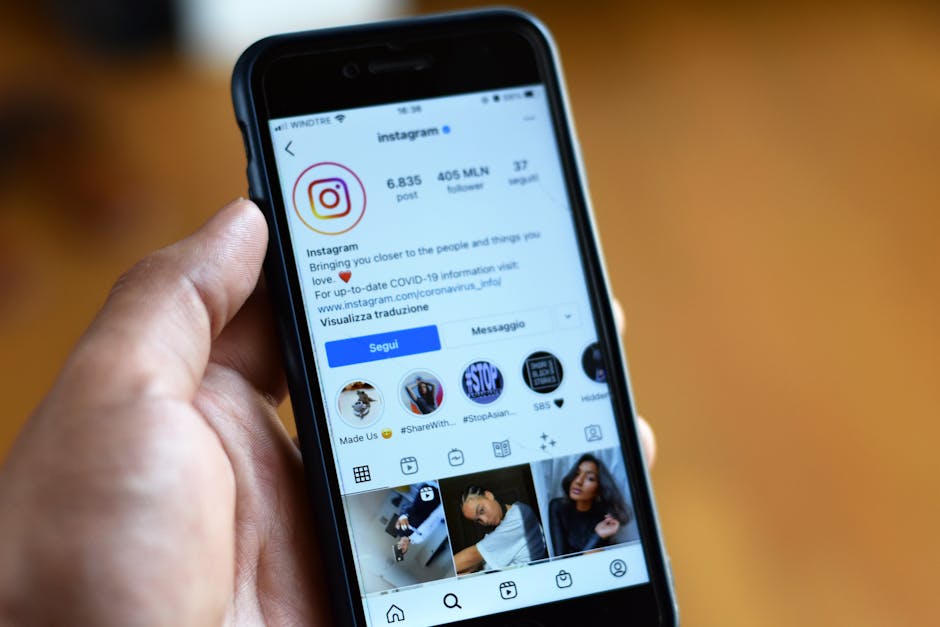
Instagram mixes public identity with private chats. Teens can get pulled into Reels for long stretches, and the push to look perfect can be tough. Make the account private and lock down DMs to only people they follow. Use Hidden Words to filter slurs and spam. Turn off the ability to be tagged by anyone. Review close friends lists and who can reply to stories. Instagram’s family tools offer visibility into time spent and who your teen follows. Start with the Family Center at instagram.com.
Snapchat: disappearing messages and Snap Map
Snapchat feels personal because messages vanish. That can create a false sense of privacy. Set the account so only friends can contact and view Stories. Turn on Ghost Mode or share location with a tight friend list only. Talk about streaks and how they can add stress. If bullying or pressure shows up through snaps, help your child save evidence using screen recording on your device and then report. Show them how to block quickly and leave group chats that feel noisy or rude.
YouTube and YouTube Kids: autoplay and content mix
YouTube is universal. The recommendation engine can lead kids from harmless clips to edgier content fast. For preteens, YouTube Kids is the safer path, but you still need to set the content level and disable search if needed. For teens, use a supervised account linked to a parent profile. Turn on Restricted Mode, consider disabling autoplay, and review watch history together. Subscribing to a few quality channels shifts the algorithm in a better direction. If comments feel toxic, hide them by default.
Discord: servers, voice chat, and moderation gaps
Discord hosts topic-based communities called servers. Some are great for school or gaming clans. Others allow adult content or loose rules. Set direct messages to filter explicit content and block DMs from non-friends. Encourage private servers with known classmates if your child wants group voice chat while gaming. Teach them to leave any server with age-inappropriate tags or pushy behavior. Use rate-limits on notifications to reduce late-night pings.
Roblox and other game-based chat
Roblox is a massive platform with millions of user-created games. Chat is built in. Younger users should have strict chat filters on and spend controls set through an account PIN. Encourage private servers where only invited friends can join. Review purchase history monthly and set expectations on Robux. If your child trades items, explain common scam tactics like off-platform deals. The same principles apply to Minecraft realms and Fortnite party chat. Keep voice to friends only and turn off public lobbies when possible.
WhatsApp, iMessage, and SMS groups
Group chats can balloon to 100+ members. That scale raises risks of rumor cycles and conflict. In WhatsApp, set group privacy to “My Contacts” so random adds do not happen. Show your child how to mute groups, leave gracefully, and report spam. Turn on two-step verification. In iMessage, teach them to name groups clearly and silence threads during homework or sleep. Simple etiquette reduces drama: no forwarding screenshots without consent and no late-night pile-ons.
BeReal, Telegram, Twitch, X, and Reddit: what to know
BeReal pushes one unedited photo daily. Risks are minor if the account is private, but location sharing and who sees your posts still matter. Telegram offers large channels and secret chats with end-to-end encryption. Keep contact settings strict and avoid public link-based groups. Twitch is live streaming. Disable DMs, set chat filters to the highest level, and follow family-friendly streamers. X and Reddit can expose kids to adult content and heated debates. Lock down replies, enable sensitive content filters, and steer kids toward topic communities with active moderation.
One setup that covers most bases
- Set accounts to private by default and trim followers to real-life friends.
- Lock down DMs to friends only and turn off message requests.
- Disable geotagging and use Ghost Mode or equivalent for maps.
- Turn on time limits and scheduled downtime across apps.
- Filter comments and keywords that target your child’s identity.
- Review notification settings and silence alerts overnight.
- Show your child how to block, report, and leave groups fast.
- Do a monthly 15-minute check-in: followers, DMs, public posts, and purchases.
What healthy use looks like
Healthy use is not zero use. It looks like accounts that match the child’s age, posts shared only with friends, and content that does not cause mood swings or sleep loss. It also looks like a teen who can explain why they follow certain creators and can take a break without anxiety. You can model this by charging phones outside bedrooms and setting shared quiet hours. If grades slip, sleep drops, or conflict grows, scale back features before deleting everything. Often, switching to private accounts, muting loud groups, and cutting late-night notifications fixes most issues.
How to talk about risk without fear
Kids tune out lectures. Use short, specific prompts instead. Ask, “Who can see that post?” and “What is the plan if someone pushes for photos or personal info?” Make reporting normal. Praise them when they block someone or bring you a concern. If a mistake happens, focus on the next step: remove the content, document evidence, report in-app, and consider a reset of followers. Keep teachers or coaches in the loop if group chats spill into school life.
When to involve platform tools and when to escalate
Start with in-app tools. Block, report, and adjust settings. If harassment continues, collect timestamps and usernames, then escalate to the platform’s safety portal. Speak to your carrier or device maker about call and text blocking if needed. If threats involve safety, contact local authorities and save all messages. Most problems resolve with better settings and social boundaries, not full bans. The exception is persistent harassment or sexual content. In those cases, step in fast and take a break from the app.
Parenting online looks like parenting offline: clear rules, steady check-ins, and support when things go wrong. Pick two or three apps your child uses most and learn them well. Set accounts to private, tame the DMs, and curb late-night screen time. Stay open, not judgmental. Kids share more when they trust you will help them fix the problem, not punish the tool.
Trends will shift, but these basics hold up. Keep features tight, limit strangers, and talk through choices. You do not need perfect control to make a big difference. You just need a plan you both agree on and the habit of checking settings together.
References